
Built natively inside Microsoft Dynamics 365 Business Central, from the
shop floor to the boardroom
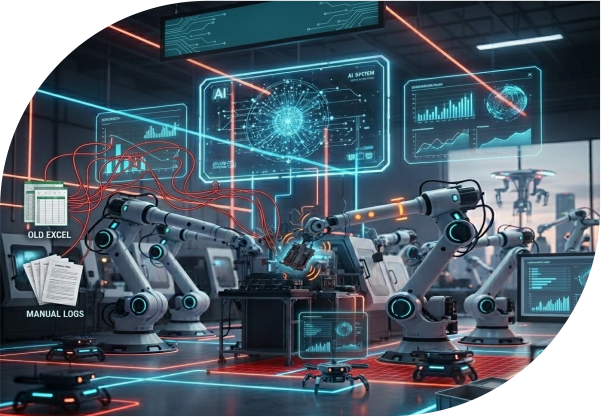
Most maintenance teams are still running on spreadsheets, paper logs, and reactive gut instinct, chasing faults after the damage is done.
Sound familiar?
There's a better way to run maintenance — and it starts with having everything in one place.
From fault detection to closed work order, here's the end-to-end flow your team will actually use.
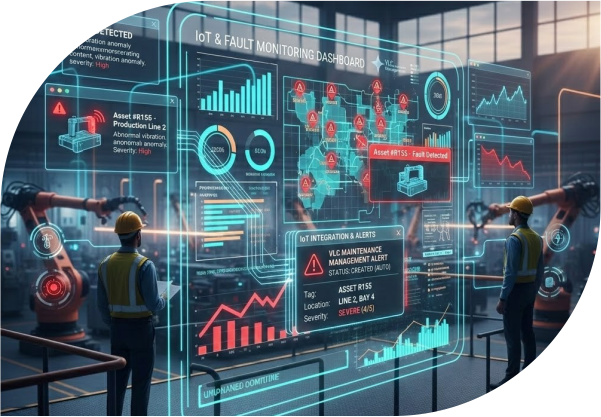
A connected sensor on your production line detects abnormal vibration. VLC Maintenance Management receives the IoT signal and automatically creates an alert, tagged to the specific asset, location, and severity level.
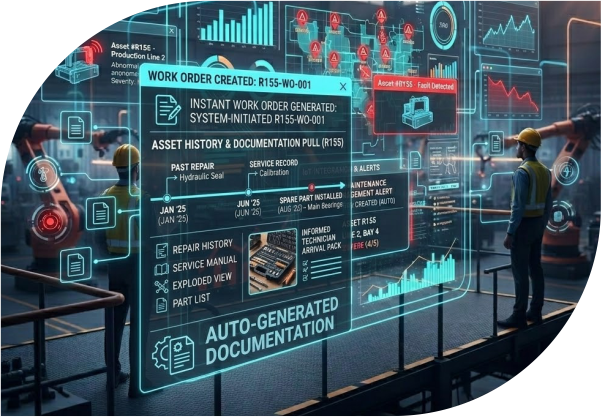
The system instantly generates a Work Order. It pulls in the asset's full history including past repairs, service records, and installed spare parts, so the technician arrives fully informed, not guessing.
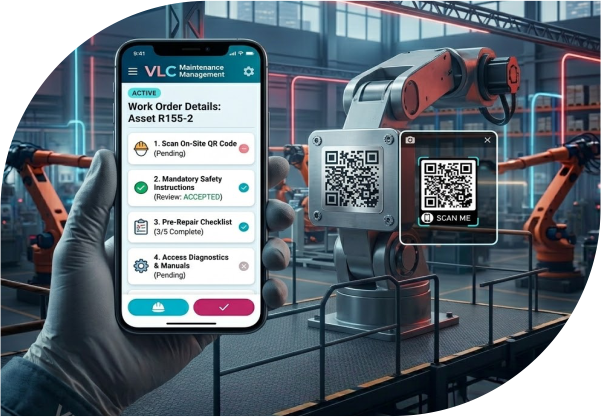
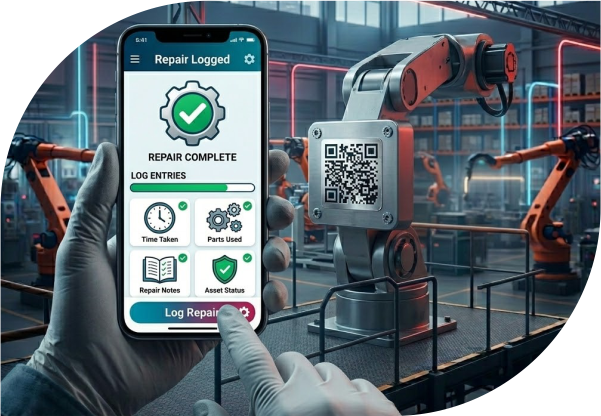
The technician gets a mobile notification with the work order details, checklist, and safety instructions. They can scan the asset's QR code on-site to pull up diagnostics, manuals, and previous service notes — all from their phone.
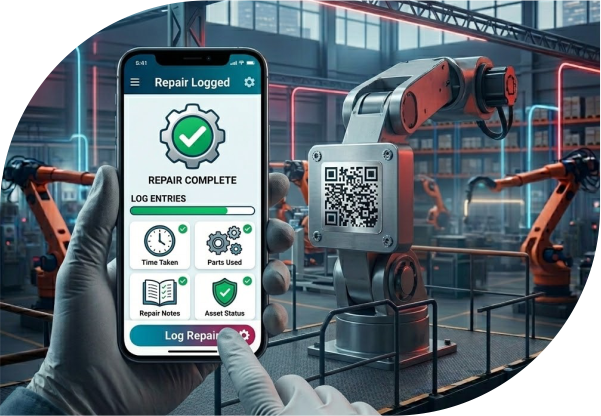
Once the work is done, the technician logs the repair, parts used, and time taken — directly in the app. No paperwork. No memory lapses. The asset record updates in real time.
VLC MM automatically compiles a service report, including fault details, corrective actions, parts used, and downtime duration. This feeds directly into your compliance audit trail and procurement records inside Business Central.
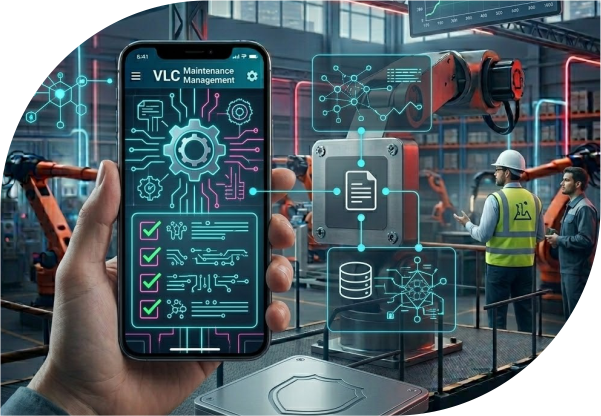

Here's where VLC goes beyond reactive maintenance. The system's built-in AI engine analyzes the repair history, fault patterns, and sensor data to predict when this asset — or similar ones — might fail next. It then automatically schedules the next preventive maintenance task.
Real benefits from the first login
Catch faults before they become failures. AI flags at-risk assets early so you act before production stops.
Create, assign, update, and close work orders digitally — from desktop or mobile, on the floor or in the field.
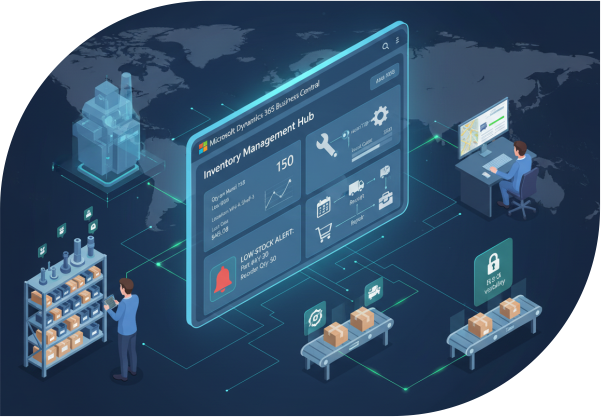
Never run out mid-repair. Inventory alerts and automated reorder triggers keep your parts stocked and tracked.
Every inspection, repair, and sign-off is logged automatically. Compliance reports are always ready.
Stop guessing when to service equipment. The system learns from patterns and recommends optimal windows.
One screen shows every asset's health status, open work orders, service history, and next scheduled task.
Preventive maintenance costs far less than emergency repair. Extend asset life and cut overtime.
Because VLC MM lives inside Business Central, your maintenance, procurement, and finance are always in sync.
Modular features designed for real-world maintenance operations
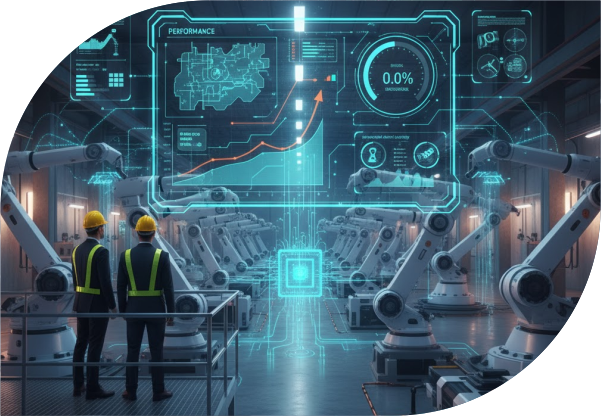


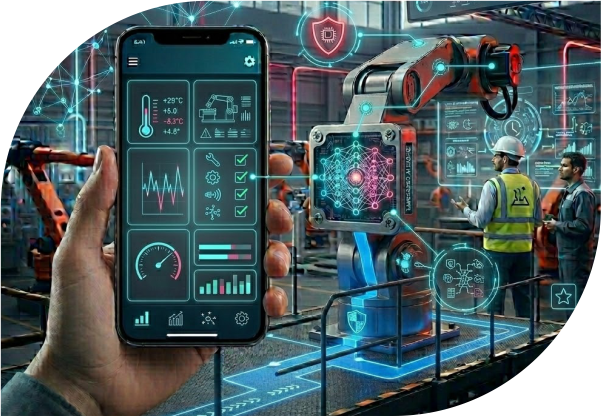

There are plenty of standalone maintenance tools. Here's what makes VLC different.
Not a Bolt-On
Most CMMS tools require API bridges and middleware. VLC MM is built directly inside Business Central. Your maintenance data, procurement, inventory, and financial reporting are always in sync — automatically.
Not Just a Buzzword
From health scoring to failure prediction to automated scheduling — the intelligence is baked into every step, not sitting behind a separate analytics dashboard you forget to check.
Not Just the Boardroom
Mobile-first access, QR code scanning, and simple checklists that don't require training. Powerful enough for management visibility and compliance reporting.
| Feature | VLC MM | Standalone CMMS |
|---|---|---|
| Native ERP integration | Business Central built-in | API / middleware required |
| AI failure prediction | Embedded AI engine | Add-on or absent |
| IoT sensor integration | Real-time streaming | Limited or extra cost |
| Mobile + QR access | Full mobile app | Varies by tool |
| Compliance audit trail | Auto-generated | Manual in many tools |
| Parts + procurement sync | Live via Business Central | Separate system |
| Time to deploy | As low as 4 days | Weeks to months |
Watch how a work order goes from fault alert to closed service report, in under 90 seconds.
Want to see it with your own data?
Book a Live DemoEverything you need for modern maintenance operations
Join hundreds of manufacturers who've switched from reactive to predictive maintenance
Get the full feature list, technical specs, and integration details.
Find VLC Maintenance Management on the Microsoft AppSource marketplace.
View ListingYes. VLC MM is a native Business Central app. It installs directly into your existing environment — no middleware, no data migration headaches.
Most customers are live within 4 days. Our team handles the setup and configuration so your operations aren't disrupted.
Absolutely. The mobile interface is designed for shop-floor use, including offline access and QR code scanning.
Yes. VLC MM scales across multiple sites, asset types, and teams from a single platform.
The AI engine analyzes your asset's sensor data, fault history, and usage patterns to predict when failures are likely to occur. It then recommends preventive actions and can auto-schedule maintenance tasks before a breakdown happens.
Yes. You can build a custom preventive maintenance library with protocols, checklists, and safety instructions tailored to each asset class or facility zone.