

Bridge Production and Planning
with Real-Time Tool Insights
Optimize Every Tool, Maximize Every Minute
Solve Your Downtime Problem
Your Tools Don't Disappear.
They Just Become Invisible.
Tooling is one of the most expensive assets in manufacturing, yet in many operations it remains loosely tracked and difficult to control—leading to delays, unplanned costs, and production disruption.
Sound familiar?
A critical tool is missing when production starts.
No one knows who last used it.
Calibration is overdue, but the tool is still in use.
Consumables run out mid-operation.
By the time these issues surface, production is already delayed, costs increase, and teams are reacting instead of operating with control.
There's a better way to manage tools—and it starts with having everything in one place.
See How a Complete Tool Management Cycle Works in Real Time
From planning to return, every tool is tracked, controlled, and accounted for across operations.

Tool Requirement Identified
During quoting or production planning, required tools are identified based on routing, BOM, and operations. Planners immediately see what is needed and whether it is available—before the job is released. This removes last-minute checks and prevents planning errors.
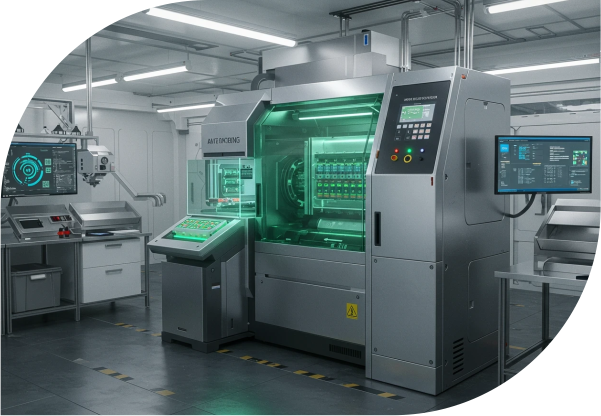
Tool Availability & Reservation
The system checks tool availability across stores, shop floor, and vendor locations in real time. Required tools are automatically reserved against the job, ensuring availability when production begins and eliminating conflicts between concurrent work orders, with visibility into expected return timelines for planned tool usage cycles.

Tool Issuance with Barcode/QR
At the shop floor, tools are issued using barcode or QR scanning. Each transaction instantly captures the user, job reference, timestamp, and tool condition, ensuring complete traceability and accountability without slowing down operations.
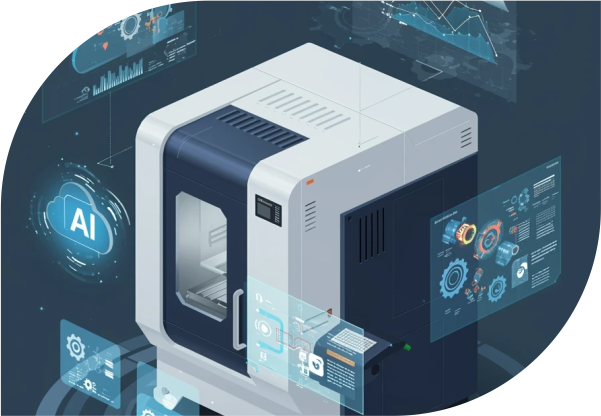
Real-Time Tool Tracking
As tools move across operations, their status updates continuously. Whether in use, idle, under maintenance, or sent to a vendor (Available / Reserved / In Use / Vendor / Maintenance), every movement is captured—giving full visibility without manual tracking.

Maintenance & Calibration Monitoring
Tools approaching service or calibration automatically trigger alerts based on defined schedules and usage thresholds. Maintenance activities are planned in advance to ensure compliance, safety, and uninterrupted production readiness.

Tool Return & Condition Update
After use, tools are scanned back into inventory, and their condition, usage hours, and lifecycle data are updated instantly. This ensures accurate visibility of tool health and availability for the next operation.

Insights & Continuous Optimization
Tool usage patterns, lifecycle trends, and cost data are analyzed to improve planning, reduce wastage, and optimize procurement decisions over time.
Control Every Tool, From Day One
Complete Tool Visibility
Know exactly where every tool is across operations.
Real-Time Digital Tracking
Track every tool movement instantly across shop floor and storage locations.
Optimized Inventory Control
Maintain the right quantity of tools and consumables without shortages or excess.
Reliable Audit & Compliance
Stay audit-ready with complete tool history and traceability.
Planning & Availability Support
Enable accurate planning based on real-time tool availability and usage data.
Reduced Operational Costs
Minimize tool loss, extend tool life, and avoid unnecessary purchases.
Seamless Business Central Integration
All tool data flows natively inside Microsoft Dynamics 365 Business Central.
Tool Usage Accountability
Track who used which tool, when, and for which operation.
Maintenance & Calibration Scheduling
Schedule and monitor maintenance and calibration activities to ensure tool readiness.
A Real-Time Tool Execution and Control System Inside Business Central

Tool Lifecycle Management
Track tools from procurement to disposal with full history and performance visibility.
- Maintain complete lifecycle history
- Monitor tool life and performance
- Track across locations and operations
- Ensure controlled lifecycle management
Tool Allocation & Scheduling
Assign tools across jobs with full control and visibility.
- Allocate tools automatically to work orders
- Prevent conflicts with real-time availability
- Reserve tools for planned operations
- Optimize usage across multiple jobs


Barcode & QR Code Tracking
Enable fast and accurate tracking on the shop floor.
- Scan tools for instant check-in/check-out
- Capture real-time movement data
- Reduce manual errors
- Improve operational speed
Maintenance & Calibration Management
Ensure tools remain compliant and safe for use.
- Schedule maintenance and calibration
- Track service history and cost
- Prevent usage of expired tools
- Maintain compliance standards

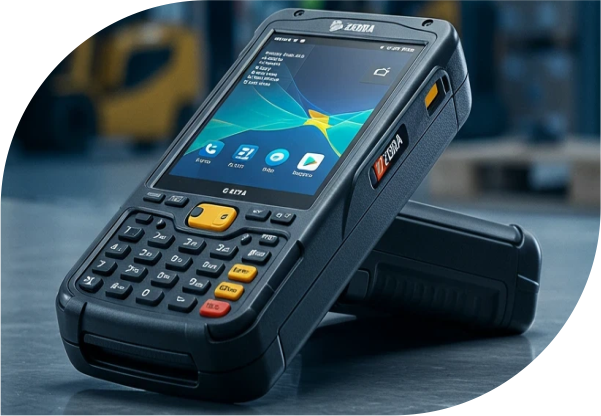
Mobile Tool Management
Manage tools directly from the shop floor.
- Access tool data on mobile devices
- Update status and condition instantly
- Capture real-time data
- Support field operations
Consumables & Inventory Control
Maintain uninterrupted operations with controlled inventory.
- Track consumables and materials
- Set reorder alerts
- Automate procurement
- Ensure availability
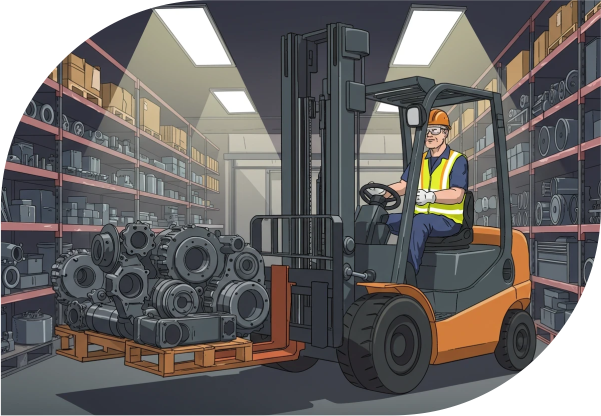

Reporting & Analytics
Turn tool data into actionable insights.
- Analyze usage and cost
- Monitor lifecycle trends
- Identify inefficiencies
- Support data-driven decisions
Why VLC Tool Management Instead of Manual Tracking or Basic Systems?
VLC Tool Management connects tools directly to routing, work orders, and shop floor execution, acting as a real-time execution and decision layer for tool operations.
Built for Manufacturing Execution—Not Just Tracking
VLC Tool Management connects tools directly to routing, work orders, and shop floor execution, including tool allocation, reservation, usage tracking, and lifecycle visibility from quoting to production execution. This means tools are not just recorded—they are actively managed as part of production, ensuring availability aligns with operations, not assumptions.
Native Business Central Integration
Standalone systems rely on APIs, middleware, or manual updates to sync data. This creates delays, mismatches, and reconciliation effort. VLC Tool Management is built inside Microsoft Dynamics 365 Business Central, so tool data flows automatically across production, inventory, procurement, and costing—without duplication or manual intervention. One system. One source of truth.
Real-Time Visibility That Drives Decisions
In many environments, tool availability is only known after a problem occurs. VLC Tool Management provides real-time visibility across all locations, allowing supervisors and planners to see availability, usage, and constraints instantly. Decisions are made before delays happen—not after.
Operational Control That Reduces Cost
Untracked tools lead to loss, emergency purchases, and shortened lifecycle. With barcode accountability, lifecycle tracking, and consumable control, VLC Tool Management reduces unnecessary spend while extending tool life and improving utilization.
Proven Operational Impact
Organizations using structured tool management typically achieve measurable operational improvements, including reduced tool loss, improved availability, and fewer production delays. These outcomes directly contribute to lower operational costs and more predictable, stable performance.
Comparison Snapshot
| Feature | VLC Tool Management | Manual / Basic Systems |
|---|---|---|
| Tool Tracking | ✓ Real-time barcode/QR tracking | ✗ Manual logs |
| ERP Integration | ✓ Native Business Central | ✗ Disconnected systems |
| Tool Availability | ✓ Live visibility | ✗ No real-time view |
| Tool Allocation | ✓ Automatic reservation | ⚠ Manual |
| Maintenance Tracking | ✓ Scheduled with alerts | ⚠ Often missed |
| Accountability | ✓ Full audit trail | ✗ No ownership |
| Consumables | ✓ Integrated tracking | ⚠ Separate |
| Reporting | ✓ Real-time analytics | ✗ Limited |
| Scalability | ✓ Multi-location | ⚠ Difficult |
| Implementation | ✓ Fast | ✗ Time-consuming |
See VLC Tool Management in Action
Watch how tools are tracked, issued, and returned across your operations in real time, helping reduce loss and improve efficiency.
Full Capability Overview
Tool Visibility & Tracking
- Centralized database with full lifecycle history
- Real-time location and status tracking
- Barcode and QR identification
- Usage and performance monitoring
Operational Control
- Automated allocation for work orders
- Mobile access for shop floor
- Maintenance and calibration scheduling
- Full audit trail tracking
Inventory & Compliance
- Consumable tracking and stock control
- Automated procurement integration
- Compliance-ready reporting
- Cost tracking and analytics
Ready to Optimize Your Tool Management?
Download Fact Sheet
Access the full feature set, technical specifications, and integration details.
Explore on AppSource
Discover Tool Management solutions on the Microsoft AppSource marketplace.
View on AppSourceSpeak with an Expert
Get personalized insights and guidance on optimizing your tool management.
Talk to an Expert